Log-in website address:
https://zisu.at0086.cn/STUAPPLICATION/LOGIN.ASPX
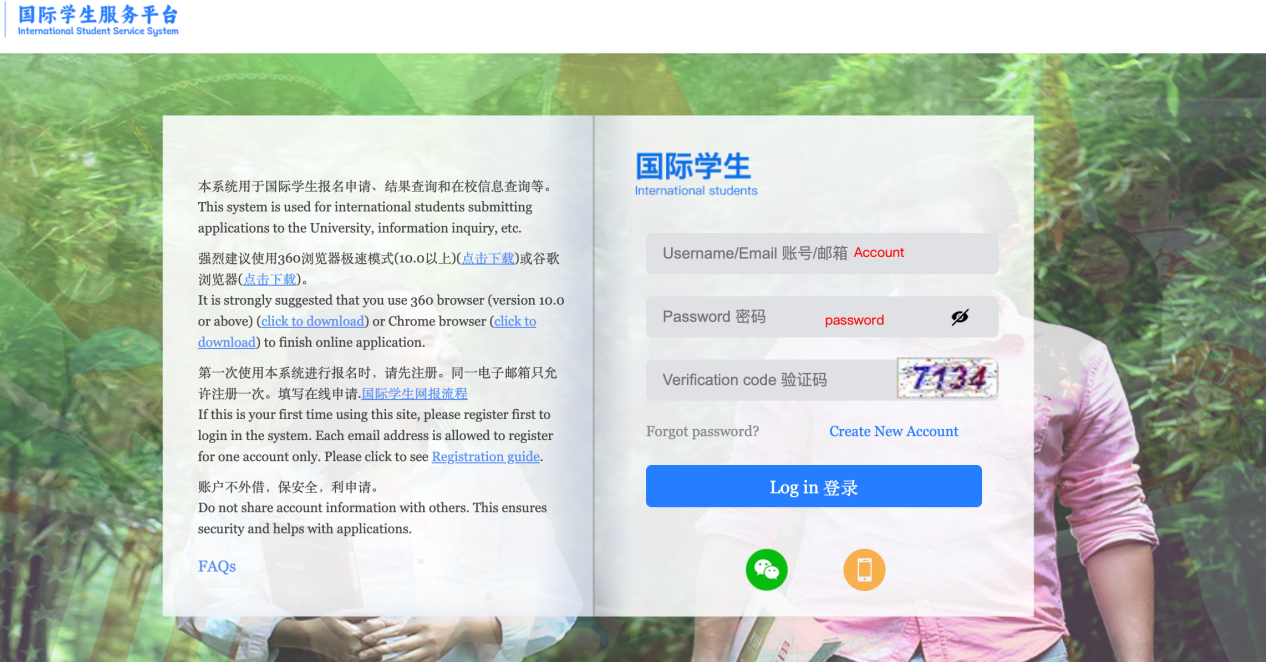
For students who applied by your own:
You can log in the system with the same account you use for application at the beginning.
For students who applied by agents:
Account&Password:
The default account is your Passport No.
The default password is: ZISUat0086
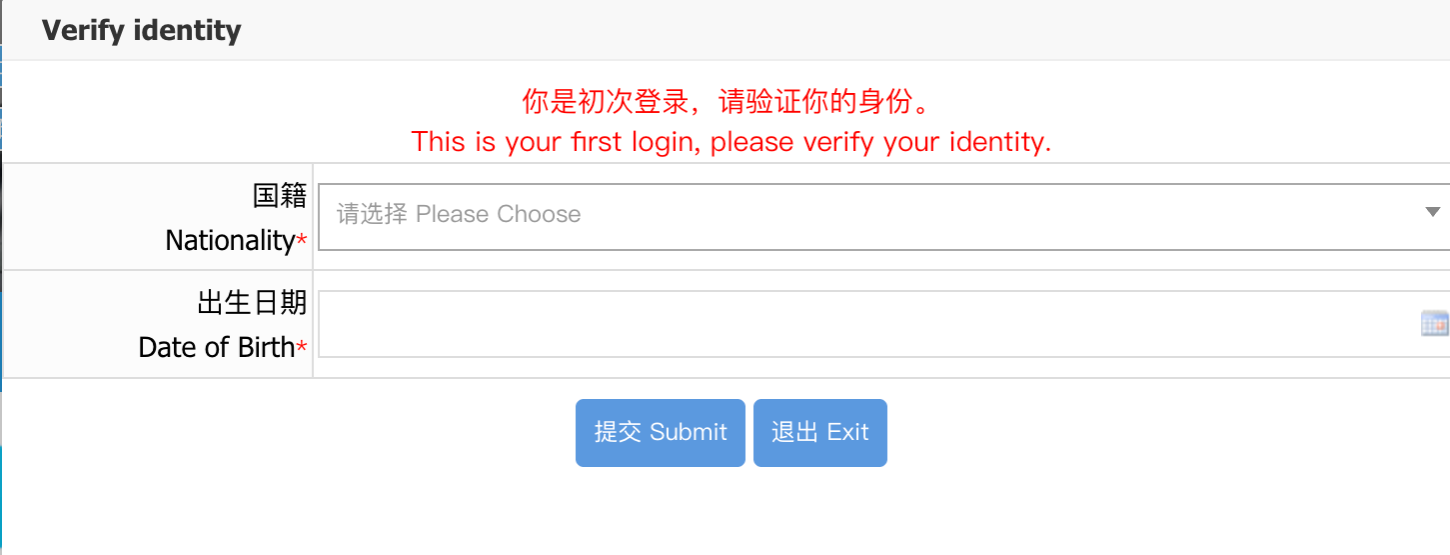
After Logging in, you will be asked to verify your identity, please select your Nationality and Date of Birth as same as you submitted before.
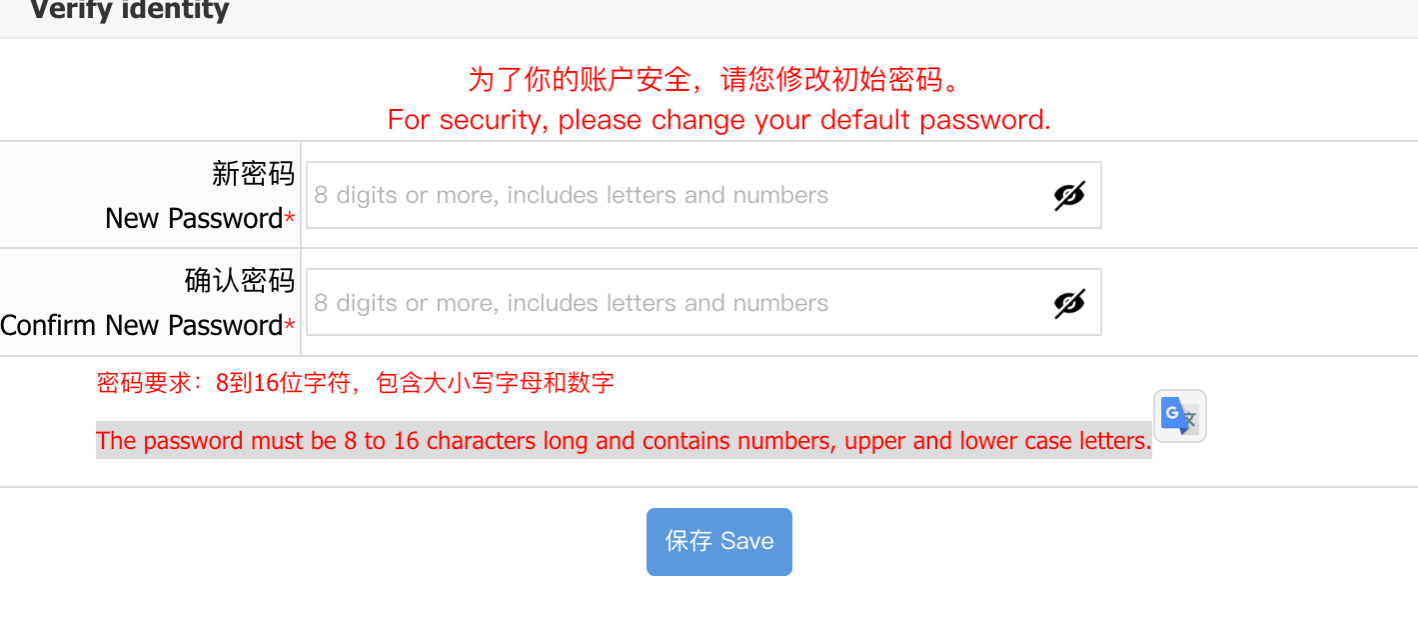
After verifying your identity, please change your default password. The password must be 8 to 16 characters long and contains numbers, upper and lower case letters.
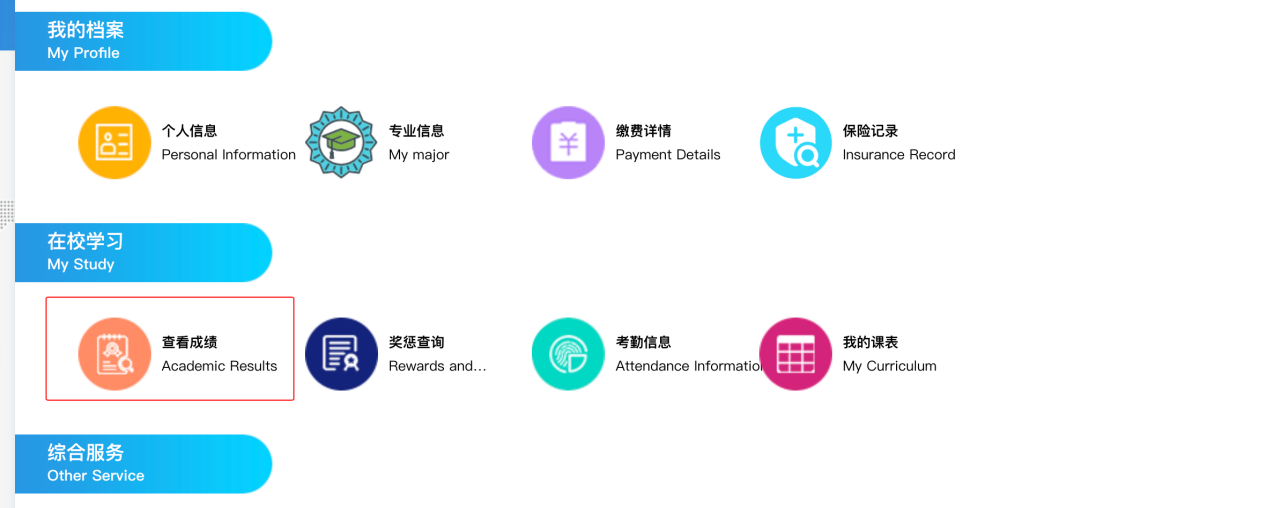
After setting your own password and log in successfully, you can check the grade history by clicking [查看成绩Academic Result].
(If you find out that there is no courses grade appearing, it might be the reason that the teachers are still double checking paper and grade)